
Essential Tools Every Web Developer Should Know
In the fast-paced world of web development, having the right set of tools can make all the difference between a slow, frustrating workflow and a smooth, efficient development process. Whether you’re a front-end designer or a full-stack developer, using the right tools will help you code faster, debug smarter, and build better-performing websites.
At CodeBooster Technologies, we believe that mastering essential development tools is key to building high-quality, modern websites. So, let’s explore the must-have tools every web developer should know in 2025 and beyond.
1. Code Editors: The Developer’s Playground
A good code editor is the foundation of efficient web development. It helps you write, format, and debug code effortlessly.
Top Picks:
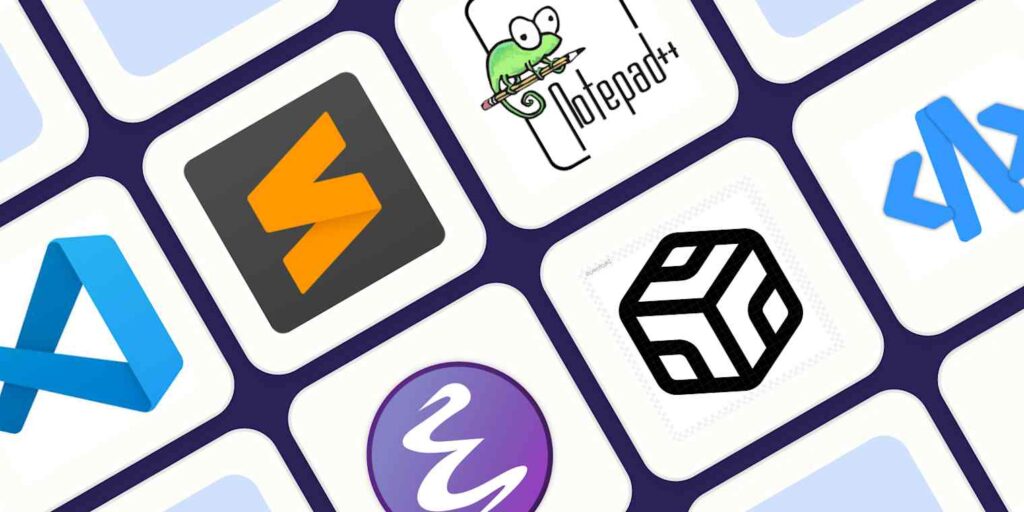
- Visual Studio Code (VS Code): Lightweight, customizable, and packed with extensions like Prettier, ESLint, and GitLens.
- Sublime Text: Known for speed and simplicity.
- Atom: Great for open-source lovers with real-time collaboration features.
💡 Pro Tip: At CodeBooster Technologies, we use VS Code for all our Laravel, React.js, and WordPress projects to streamline productivity.
2. Version Control Systems: Manage and Track Your Code
Version control allows developers to track code changes and collaborate seamlessly.
Essential Tool:
- Git & GitHub: Helps you manage repositories, revert changes, and collaborate with your team.
📦 Why it matters: If something breaks, Git lets you roll back to a stable version in seconds.

3. Front-End Frameworks: Build Faster with Structure
Frameworks speed up development by providing reusable components and structure.
Popular Frameworks:
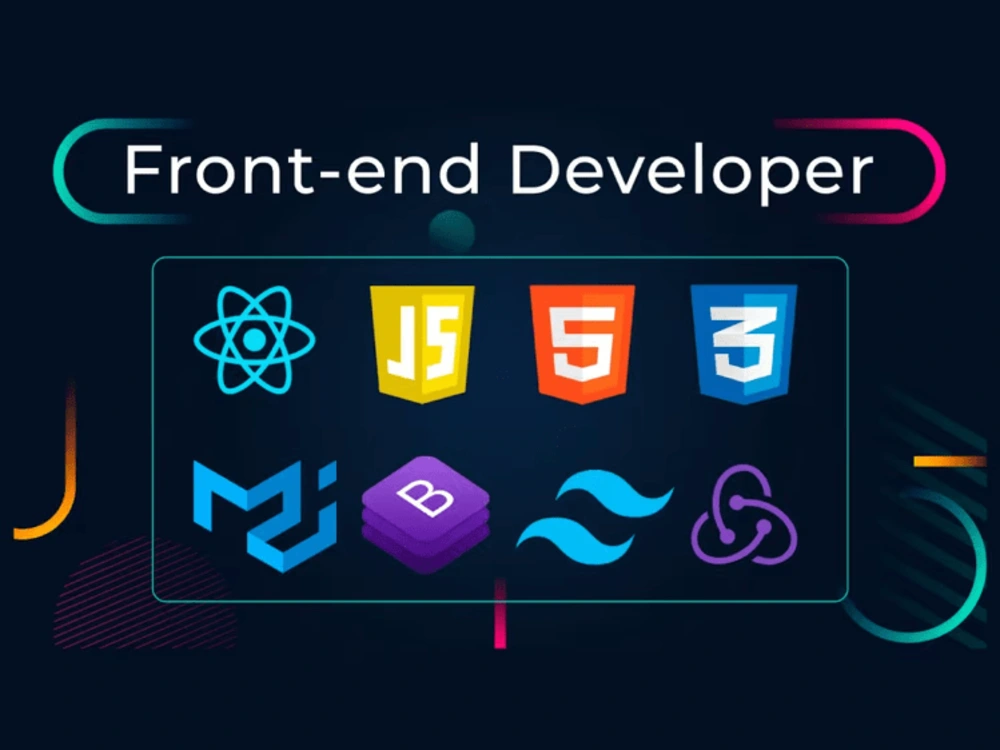
- React.js: Perfect for dynamic user interfaces.
- Bootstrap: Ideal for responsive, mobile-friendly layouts.
- Tailwind CSS: Utility-first CSS framework for modern, fast styling.
🌐 CodeBooster Technologies uses React.js and Tailwind CSS to create high-performance, modern web apps.
4. Browser Developer Tools: Debug with Ease
Every browser (like Chrome, Firefox, and Edge) comes with built-in developer tools.
Key Features:
- Inspect HTML & CSS in real time.
- Monitor performance and network requests.
- Debug JavaScript issues directly in the browser.
🧠 Pro Tip: Chrome DevTools is a must-use tool for testing site responsiveness and performance.

5. Package Managers: Simplify Dependencies
Package managers help you install and manage libraries easily.
Common Tools:
- npm (Node Package Manager)
- Yarn
📦 These tools keep your projects organized and up-to-date with the latest versions.
6. Task Runners & Build Tools: Automate Repetitive Tasks
Manually compiling files or optimizing images wastes time. Automation tools fix that.
Top Tools:
- Webpack: Bundles JavaScript modules efficiently.
- Gulp: Automates tasks like minifying files or compiling Sass.
- Vite: Super-fast bundler for modern JavaScript frameworks.
🚀 CodeBooster Technologies uses Vite for React projects due to its lightning-fast performance.
7. APIs & Testing Tools: Ensure Reliability
Every professional web app interacts with APIs. Testing ensures they work correctly.
Useful Tools:
- Postman: Test and debug APIs easily.
- Swagger: Document and visualize APIs.
✅ We use Postman extensively while developing RESTful APIs in Laravel.
8. Design & Prototyping Tools: Bring Ideas to Life
Developers often collaborate with designers, so understanding design tools is vital.
Popular Tools:
- Figma: For UI/UX collaboration.
- Adobe XD: For wireframing and prototyping.
- Canva: Great for quick marketing visuals.
🎨 At CodeBooster Technologies, Figma helps us design clean, user-friendly interfaces before writing a single line of code.
9. Performance & SEO Tools: Optimize for Success
Speed and SEO are key ranking factors for Google.
Best Tools:
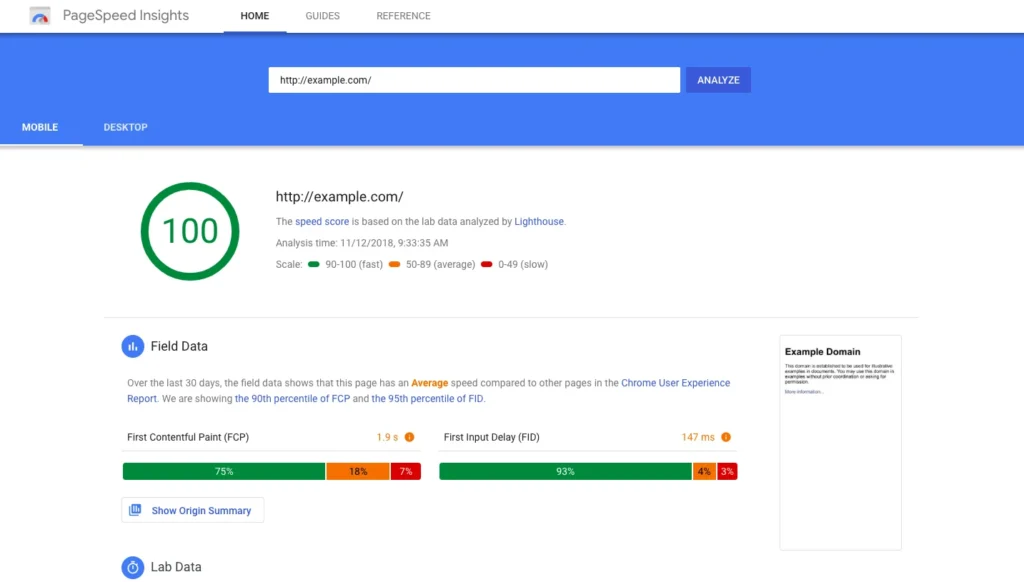
- Google PageSpeed Insights: Analyze and improve website loading speed.
- GTmetrix: Detailed performance reports.
- Ahrefs / SEMrush: Audit SEO and backlinks.
⚙️ We use these tools to ensure our clients’ websites load faster and rank higher.
10. Deployment & Hosting Tools
Once your website is ready, you’ll need reliable hosting and deployment platforms.
Popular Options:
- cPanel / Plesk: For managing shared hosting.
- Netlify / Vercel: Ideal for modern web apps.
- GitHub Pages: Free hosting for static websites.
🌍 CodeBooster Technologies uses cloud-based hosting to deliver fast, scalable, and secure websites.
Final Thoughts
Web development is constantly evolving. Staying updated with the right tools helps you stay competitive, efficient, and innovative. Whether you’re building a small business site or a complex web app, these tools will simplify your workflow and improve your output.
🚀 At CodeBooster Technologies, we combine the latest development tools with creative strategy to build high-performing, SEO-optimized websites that help businesses grow faster.